
 MASKED
Ordinals in MASKED
New in 2.21: see the inscriptions you hold on both sides of the wallet, and send them, also privately to a Shielded address.
| Gallery | An inscription | Moving it to Shielded |
|---|---|---|
 |
 |
 |
The gallery
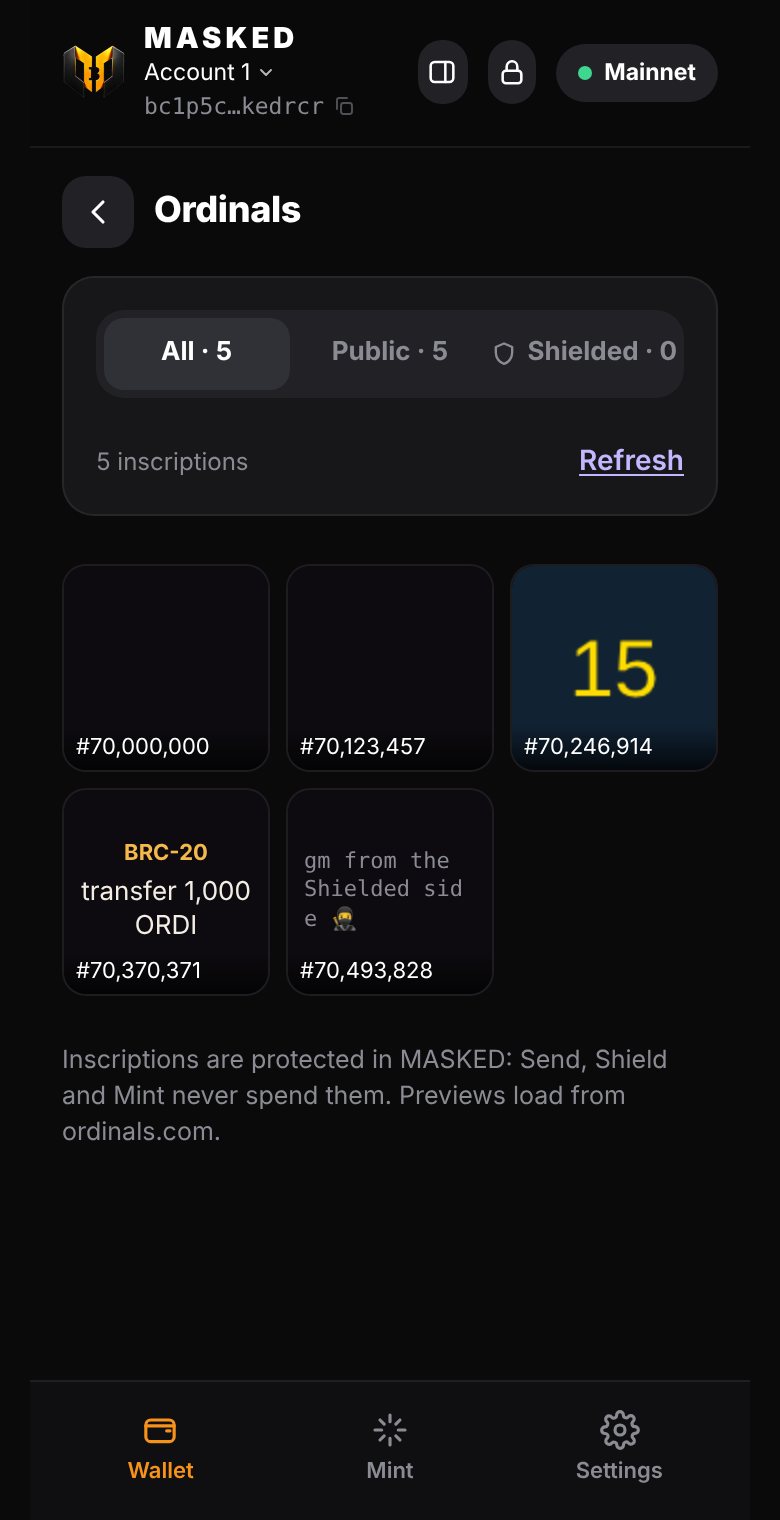
- Home → Ordinals shows every inscription on your Public and Shielded coins, with All / Public / Shielded tabs.
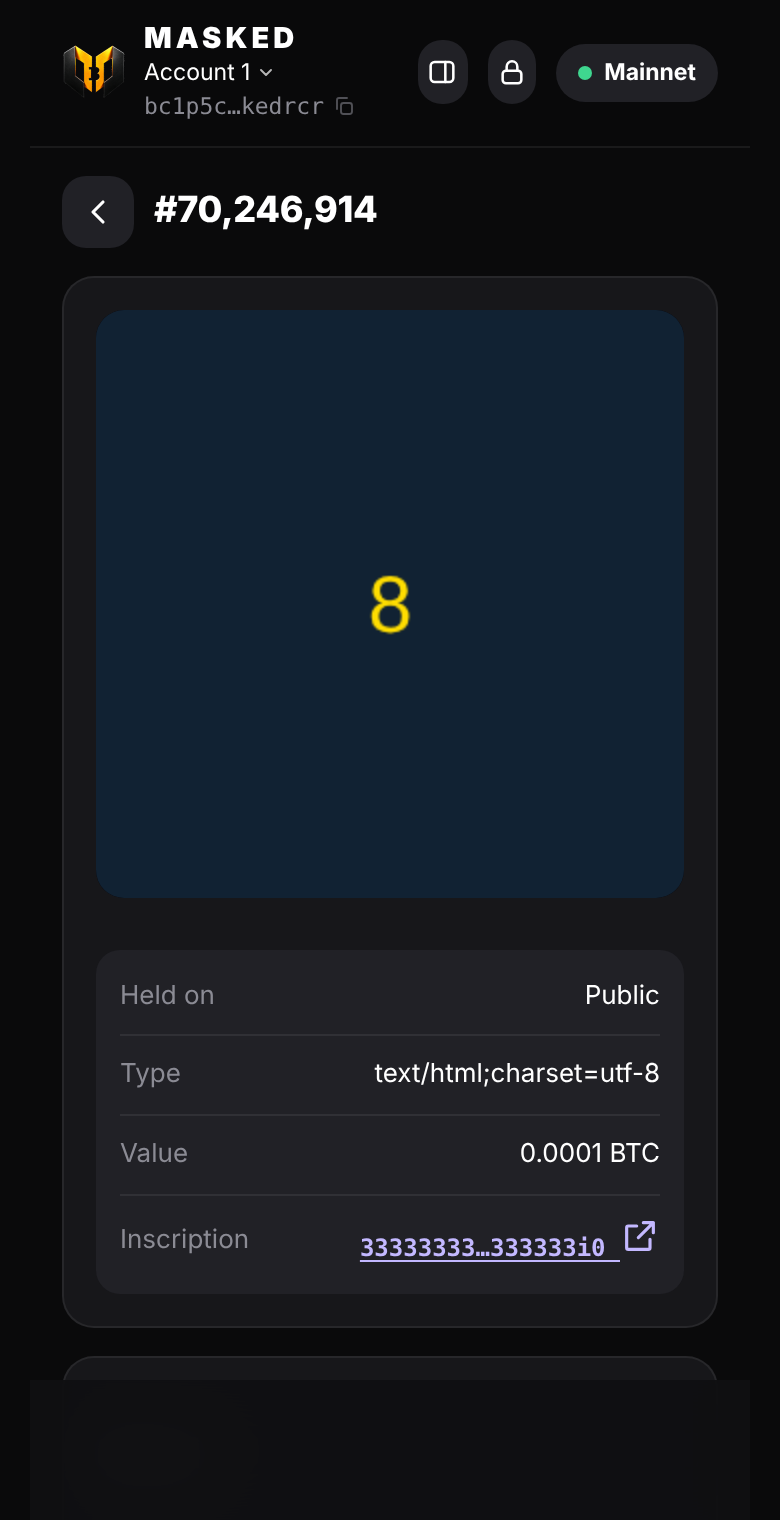
- Images show as pictures, text as text, BRC-20 inscriptions as "transfer 1,000 ORDI". HTML inscriptions show ord's preview in a sandboxed frame that can't reach the wallet.
- MASKED asks ordinals.com once per coin and remembers the answer (what a coin holds never changes), so refreshing is free.
Sending safely
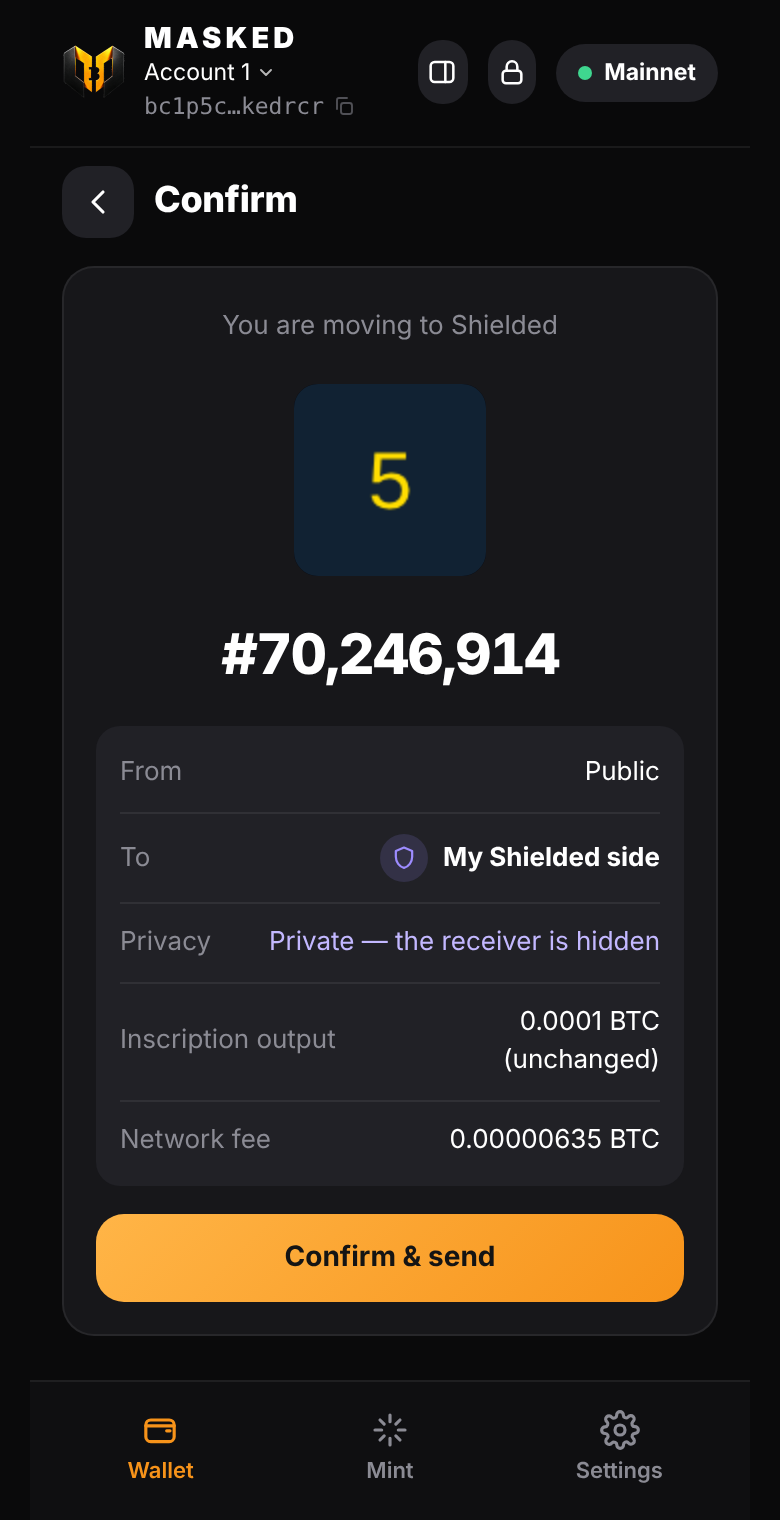
- The coin holding the inscription is the first input, and the first output carries exactly its value. Every sat on it, including the inscription's, at any offset, lands on the recipient's output.
- The network fee comes only from other plain coins on the same side. A Shielded inscription is never mixed with Public coins, and other inscription coins are never touched.
- If one coin holds several inscriptions or runes, MASKED says so: they move together.
- The usual look-alike address check runs before you confirm.
Shield an ordinal
Send the inscription to a Shielded (silent payments, BIP 352) address, or tap Move to my Shielded side. The output is a fresh Taproot key that only the receiver can find by scanning, so nobody on the blockchain can tell who holds it now. Inscriptions you move to Shielded appear under the Shielded tab once your Shielded balance has seen the coin.
Code
src/ordinals/Gallery.mjs: which coins hold which inscriptions (ord's/outputs), cached per coin.src/wallet/TxBuilder.mjssendInscription: the transaction.test/ordinals.test.mjs: the inscription stays on output 0 with its value, the fee side, a Shielded receiver finds it, refusals, caching.
This guide lives in the open-source repository: edit this page on GitHub.